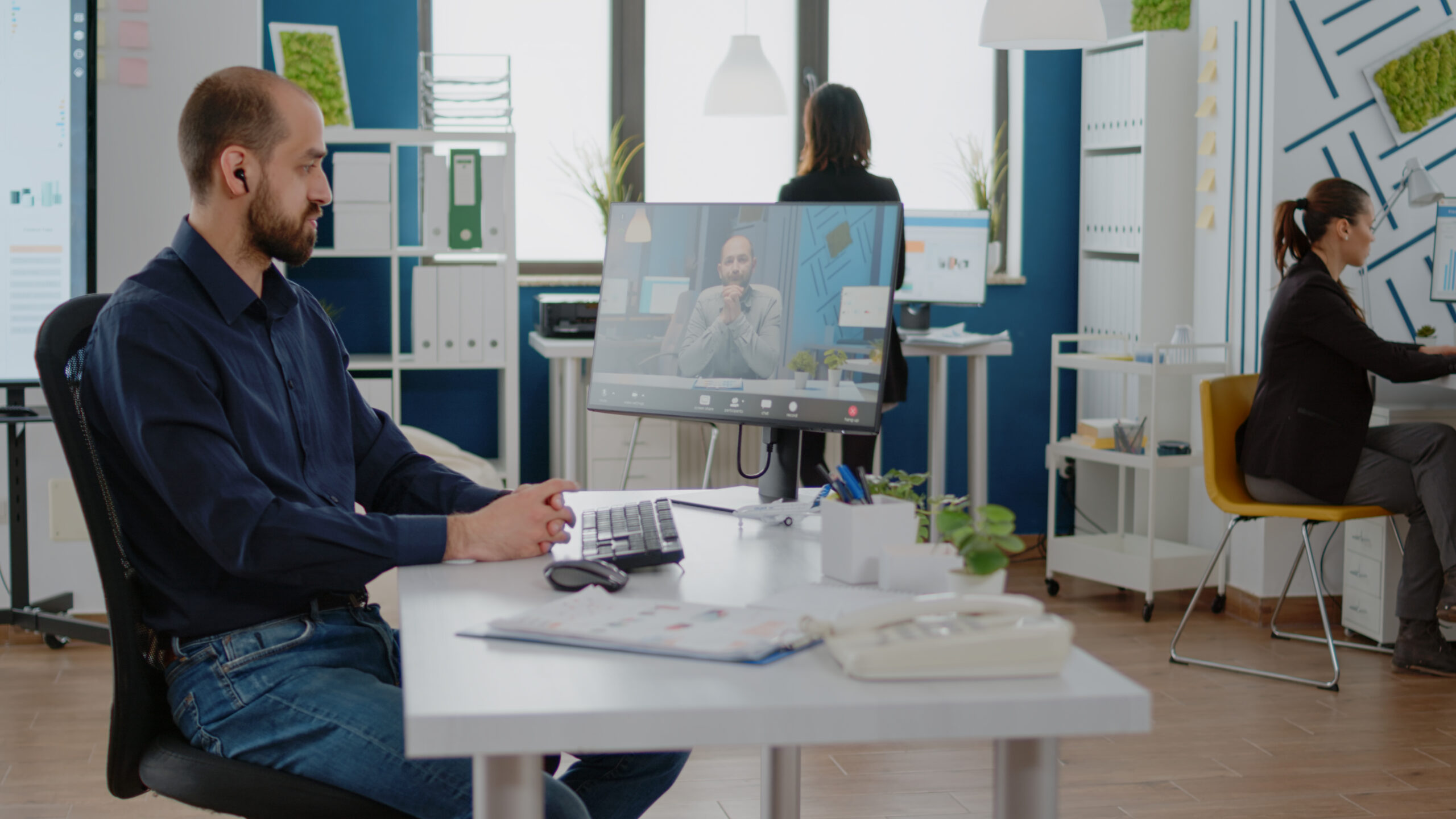
Across the United States, professionals are redesigning their homes to create more effective remote working setups that improve productivity, comfort, and long-term health. A well-planned remote working setup is no longer optional, it’s the foundation of consistent performance in today’s flexible work environment.
Whether you’re a remote employee, freelancer, or business owner, the right environment can dramatically impact your focus and efficiency.
Why Your Setup Matters More Than You Think
Poor workspace design leads to:
- Back and neck pain
- Reduced focus
- Lower productivity
- Increased fatigue
- Blurred work-life boundaries
High-performing remote working setups are built intentionally, not thrown together on a dining table.
1. Choose a Dedicated Work Area
Start with location.
Your workspace should:
- Be away from high-traffic areas.
- Have minimal distractions
- Offer proper lighting
- Allow enough space for equipment.
Even in small apartments, a clearly defined corner improves mental separation between home and work.
2. Invest in Ergonomic Furniture
Ergonomics is essential for sustainable remote working setups.
Look for:
- Adjustable chair with lumbar support
- Desk height that keeps elbows at 90°
- Monitor positioned at eye level.
- Footrest if needed
Long hours in poor posture can create chronic pain. Proper alignment protects your spine and improves energy levels.
3. Upgrade Your Technology
Technology is the engine behind modern remote working setups.
Recommended Essentials:
- Laptop/Desktop with a minimum of 16GB RAM
- High-speed internet (100–300 Mbps for smooth video calls)
- External monitor for multitasking
- Wireless keyboard and ergonomic mouse
- Noise-canceling headphones
An external monitor significantly enhances workflow efficiency by reducing the need for tab switching and visual strain.
4. Optimize Lighting and Room Conditions
Lighting directly affects alertness.
Best practices:
- Position the desk near natural light.
- Use adjustable LED desk lamps.
- Avoid harsh overhead fluorescent lights.
- Maintain room temperature between 72–75°F
Comfortable environments facilitate remote working setups that support longer, focused sessions without burnout.
5. Build a Structured Digital Workflow
Physical organization must be paired with digital organization.
Use:
- Project management tools
- Shared calendars
- Cloud storage systems
- Secure password managers
Efficient systems reduce mental clutter and improve accountability.
6. Reduce Distractions and Set Boundaries
Distraction control separates average from high-performance remote working setups.
Strategies:
- Use noise-canceling headphones
- Time-block deep work sessions
- Turn off non-work notifications.
- Establish clear working hours.
Boundary-setting is critical for maintaining work-life balance.
7. Support Long-Term Health
Sustainable remote working setups include movement.
Add:
- Standing desk option
- Hourly stretch breaks
- Blue light filters
- Hydration habits
Remote work should enhance flexibility not damage your health.
8. Keep It Minimal and Functional
You don’t need expensive gear.
Focus on:
- Comfort
- Reliability
- Clean organization
- Daily usability
The best remote working setups are practical and distraction-free.
Frequently Asked Questions
What is the most important part of a remote working setup?
Ergonomics. A proper chair and monitor height prevent long-term health problems and improve daily comfort.
How much should I invest in a home office?
Most professionals can build effective remote working setups for $500–$1,500, depending on existing equipment.
Do I need a second monitor?
If your work involves multitasking, writing, design, coding, or spreadsheets yes. It improves productivity significantly.
How can I reduce distractions at home?
Create a dedicated workspace, use noise-canceling headphones, and schedule focused work blocks.
Conclusion
High-performing remote working setups combine ergonomic comfort, reliable technology, structured workflow, and distraction control. Small improvements in your workspace can create massive gains in productivity, focus, and long-term well-being.
Design your space intentionally because your environment shapes your performance.





Leave a Reply