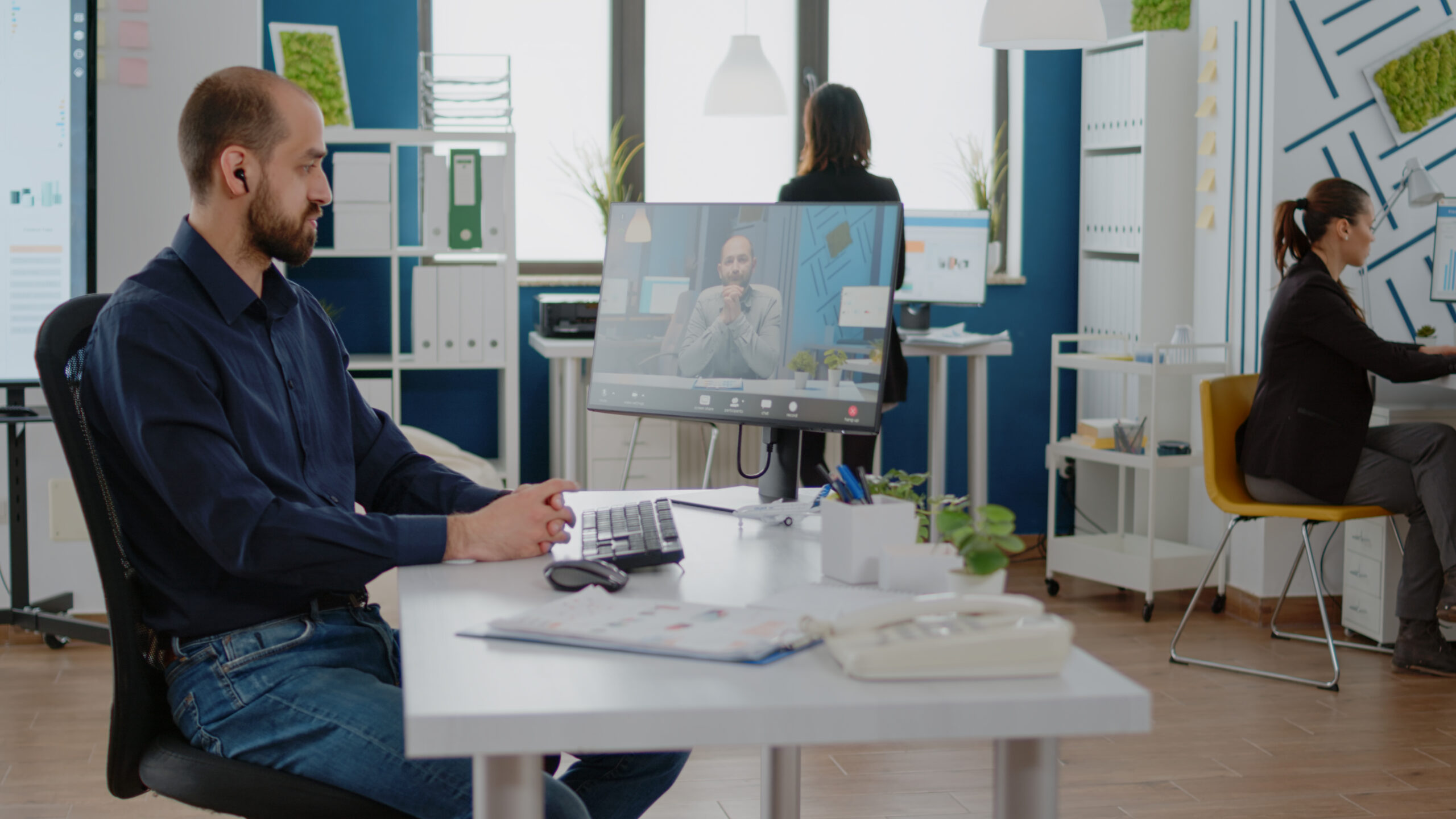
A useful remote working setup is not the most expensive desk or the largest collection of gadgets. It is a workspace that supports the way you actually work, keeps your body comfortable, gives you reliable access to people and files, and protects company information.
Start with the problems that interrupt your day. A writer may value a quiet keyboard and a clear screen, while a designer may need accurate color and more display space. Someone who spends hours in meetings may benefit more from a good headset, webcam, and stable connection. Build around those needs instead of copying a social-media desk tour.
Choose a Workspace You Can Use Consistently
A separate room is helpful but not essential. A quiet corner can work if it has enough space for your computer, input devices, lighting, and a few daily essentials. Keep frequently used items within reach and position the desk away from household traffic when possible.
Using the same area each workday also creates a practical boundary between professional and personal time. If the space must serve another purpose after work, store cables, documents, and accessories in a box or drawer so you can close the workday instead of leaving it spread across the room.
Build an Ergonomic Foundation
Comfort begins with adjustability. Your chair should support your lower back, your shoulders should stay relaxed, and your feet should rest on the floor or a footrest. Keep the keyboard and mouse close enough that your elbows remain near your body and your wrists stay in a neutral position.
Place the main monitor directly in front of you. OSHA’s computer workstation guidance recommends keeping the top of the monitor at or just below eye level, with the head and neck aligned with the torso. If a laptop is your primary screen, a basic riser plus an external keyboard and mouse can be a more useful first upgrade than a premium chair or standing desk.
There is no single perfect posture. Change position periodically, stand or walk for a few minutes, and adjust the chair during the day rather than trying to sit motionless in one correct pose.
Buy Technology for Your Workload
Choose a computer based on the software you use, the size of your files, and the number of applications you run together. A fixed memory or processor recommendation does not fit every job. Check the requirements for your most demanding applications, then leave some capacity for video calls, browser tabs, security software, and future updates.
For many remote workers, the most valuable accessories are:
- Separate input controls that let you raise the laptop screen without forcing your hands into an uncomfortable working position
- A headset with a clear microphone
- A webcam that performs well in the room’s lighting
- A dock or hub with the ports your equipment requires
- A surge protector and, where outages are common, a small UPS
- An external monitor if your workflow genuinely benefits from more screen space
A second monitor is optional. It can help with research, coding, design, or spreadsheets, but it may add clutter if most of your work happens in one application.
Make the Internet Connection Reliable
Speed matters, but stability, latency, and Wi-Fi coverage also affect meetings and cloud applications. There is no universal internet-speed target for every remote worker. Judge your connection during a typical workday; several people joining online meetings and transferring cloud files will place far greater demand on the network than one person handling email and documents.
Use Ethernet when practical. If you rely on Wi-Fi, place the router in an open, central position and test the connection at your desk during normal working hours. Keep an approved backup option, such as a phone hotspot, if your work cannot pause during an outage. A business or household with a stronger continuity need can also evaluate a dual WAN router, while recognizing that active calls or VPN sessions may still need to reconnect during failover.
Secure the Remote Workspace
A productive setup must also protect accounts, devices, and confidential information. Follow your employer’s remote-work policy before using a personal device, cloud service, or backup connection. NIST’s telework security guidance recommends secure home Wi-Fi, updated devices, and compliance with organizational rules.
Use WPA2 or WPA3 on the home network, change default router credentials, install operating-system and application updates, and enable automatic screen locking. Turn on multi-factor authentication where available and use the employer-approved VPN or remote-access service when required. Do not let family members use a work device, and confirm unexpected password, file-sharing, or meeting requests through a trusted channel before acting.
For sensitive calls, consider what a camera or microphone may capture. Headphones and a screen positioned away from shared areas can improve both privacy and concentration.
Keep the Digital Workflow Simple
Remote work becomes harder when messages, files, tasks, and meeting notes are scattered across too many tools. Use the platforms approved by your organization and give each one a clear purpose: communication, meetings, task tracking, document collaboration, or file storage.
Create a consistent folder and file-naming system, store shared work in the correct team location, and confirm that important data is backed up according to company policy. Mute nonessential notifications during focus periods, but keep an agreed channel available for urgent requests.
At the beginning of the day, identify one to three important outcomes. Group similar tasks together, leave space between meetings, and share progress in the format your team expects. A repeatable system is usually more effective than constantly changing productivity apps.
Protect Focus and Well-Being
Good lighting should make the screen and desk easy to see without glare. Position the monitor perpendicular to a window when possible, adjust text size instead of leaning forward, and look away from the screen periodically. Alternate computer work with calls, reading, or short movement breaks.
Set working hours and communicate them to people at home and to colleagues. Take meals away from the desk when possible, and create a short shutdown routine: record unfinished tasks, close work applications, and clear the desk. These habits make it easier to stop working instead of remaining mentally on call all evening.
Remote Working Setup Checklist
Before considering the setup complete, check that:
- The chair supports your back, and your feet are supported.
- The monitor, keyboard, and mouse allow a relaxed position.
- The computer can run your required applications comfortably.
- Calls sound clear, and the camera has adequate lighting.
- The connection is stable where you work.
- Devices, accounts, Wi-Fi, and remote access are secured.
- Important files are stored and backed up correctly.
- Your team knows how and when to reach you.
- Breaks and a clear end to the workday are part of the routine.
Improve one constraint at a time. Fix discomfort before buying decorative accessories, strengthen connectivity before adding more cloud tools, and address security before convenience. The best remote working setup is the one that remains comfortable, dependable, and easy to maintain throughout a real workweek.
