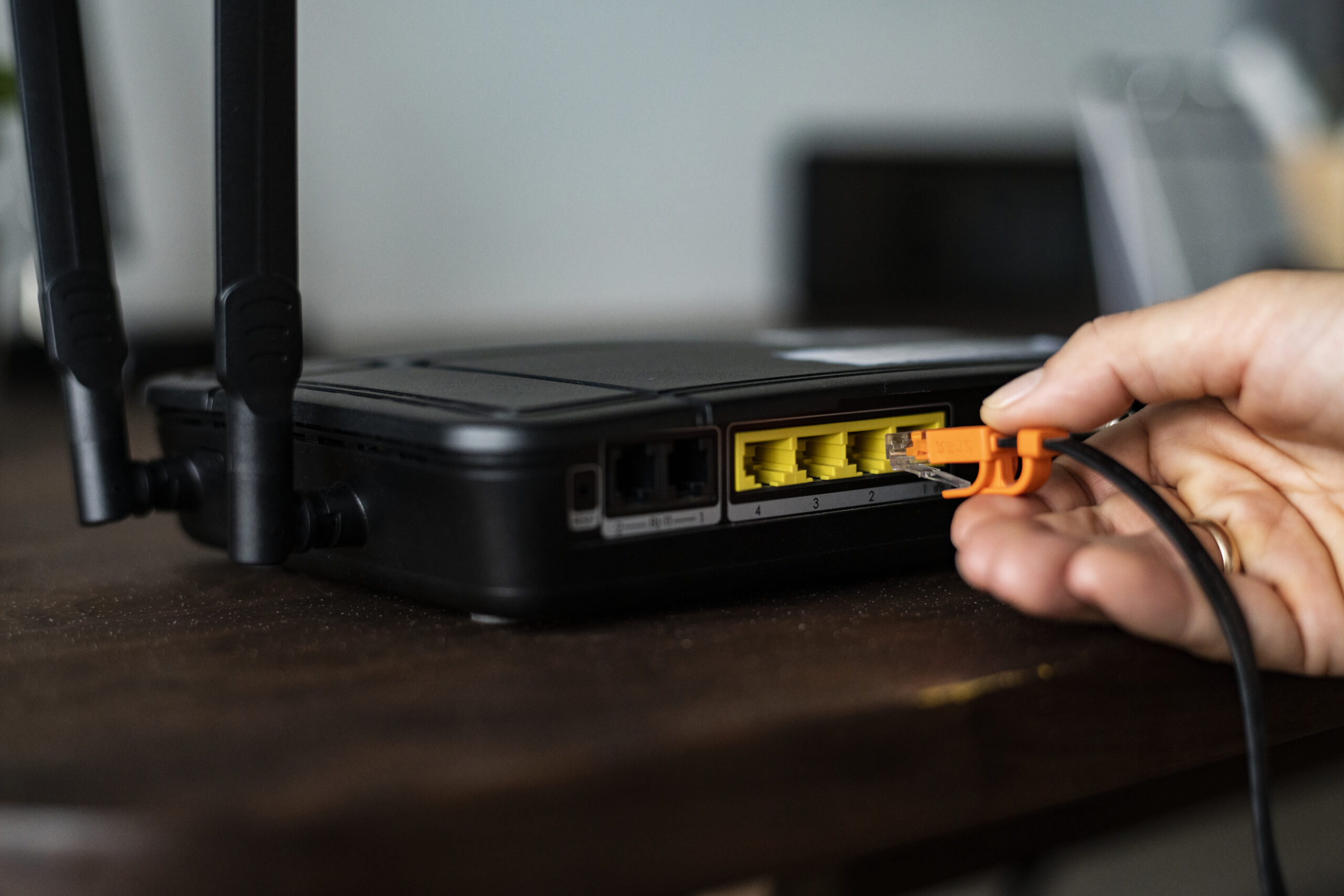
A dual WAN router can help a small business stay connected when its primary internet service fails. A single gateway manages both ISP lines and shifts new internet sessions to the secondary service whenever its monitoring checks detect that the preferred connection is no longer responding.
For companies that depend on cloud applications, VoIP phones, payment systems, remote access, or online customer service, that extra connection can prevent an ISP outage from stopping all internet-dependent work.
However, a dual WAN router does not guarantee zero interruption or automatically double the speed of every connection. Existing video calls, VPN sessions, payment transactions, and other active connections may need to reconnect during standard failover. With load balancing enabled, individual traffic flows can leave through different WAN ports, while both internet circuits continue operating as independent paths rather than becoming one higher-capacity connection.
Understanding these limitations is essential when deciding whether a dual WAN router is the right investment for your business.
What Is a Dual WAN Router?
A dual WAN router is a network gateway that can connect to two separate internet services. Depending on the router and configuration, those connections can come from:
- Two wired broadband providers
- Fiber and cable internet
- Fiber and 5G
- Cable and LTE
- A primary fixed connection and a satellite backup
The router monitors the availability of each connection and applies rules that determine how internet traffic should use them.
Some routers keep the secondary connection on standby until the primary link fails. Others use both connections at the same time to distribute network traffic. Higher-tier gateways let administrators build routing rules around the traffic source, destination, service type, or branch site involved in each connection.
Failover, Load Balancing, and Bonding Explained
Failover, load balancing, and bandwidth bonding solve different networking problems. Although they are often discussed together, each describes a different method of managing multiple internet connections.
| Function | How it works | Primary benefit | Important limitation |
| Failover | Moves traffic to a backup connection when the primary WAN fails | Reduces the impact of an ISP outage | Active sessions may disconnect or need to reconnect |
| Load balancing | Distributes new connections across two or more active WAN links | Improves total network capacity for multiple users | Usually does not combine both links for one session |
| Bandwidth bonding | Combines multiple connections through a supported tunnel or service | Can improve speed and session resilience | Requires compatible technology and may involve additional costs |
Ubiquiti’s Multi-WAN guide describes a priority-based arrangement in which one WAN typically carries traffic, and another is ready to take over if monitoring detects a problem with the preferred link. Its load-balancing mode distributes new outbound connections across WAN interfaces using configurable traffic ratios.
True connection bonding is more specialized. Technologies such as Peplink SpeedFusion use a tunnel to combine multiple connections and provide additional continuity for active sessions. Unless the specifications explicitly mention bandwidth bonding or session continuity, treat a conventional dual-WAN model as a traffic-routing device rather than a system that merges separate links.
Does Your Small Business Need a Dual WAN Router?
A dual WAN router is most useful when losing internet access would immediately interrupt important business operations.
It may be a worthwhile investment if your organization depends on:
- Cloud-based accounting, CRM, or productivity applications
- VoIP phones or internet-based customer support
- Point-of-sale terminals and online payment processing
- Remote access and site-to-site VPN connections
- Video meetings and real-time collaboration
- Online orders, reservations, or customer portals
- Multiple office or retail locations
- Cloud-managed surveillance equipment that may lose remote monitoring or recording functions during an internet outage
The case is also stronger when your area experiences frequent service interruptions or when the business cannot operate efficiently through mobile hotspots during an outage.
A dual WAN setup may be unnecessary for a very small office that can tolerate occasional downtime, has limited internet-dependent work, or can temporarily switch to a phone hotspot without affecting customers or revenue.
Remote employees who need a more dependable home-office network can also review InfoSeely’s guide to building a reliable remote working setup.
Features to Check Before Buying a Dual WAN Router
WAN Ports and Connection Types
Confirm that the router has enough WAN-capable ports for your intended setup. Some devices provide two dedicated WAN ports, while others allow a LAN port to be reassigned as a second WAN connection.
Port speed also matters. A router with Gigabit Ethernet ports cannot fully use an internet service faster than 1 Gbps through that port. Businesses with multi-gigabit fiber should consider 2.5GbE, 5GbE, 10GbE, or SFP+ connectivity where appropriate.
If cellular backup is part of the plan, determine whether the router includes an LTE or 5G modem or requires a separate cellular gateway.
Reliable Failover Detection
Reliable failover monitoring should confirm that the internet is actually reachable instead of relying only on the physical link status reported by the WAN port. An ISP modem can remain physically connected even when internet access beyond the modem has failed.
Look for configurable WAN health checks that can monitor actual internet availability. Administrators should be able to control:
- How frequently each connection is tested
- Which addresses or services are used for testing
- How many failed checks trigger failover
- The recovery interval configured before traffic shifts back to the preferred WAN link
- Whether repeated switching between unstable links can be prevented
TP-Link’s official Omada link-backup guidance illustrates how primary and backup WAN connections can be configured for failover.
Routing and Security Throughput
Router manufacturers may advertise a maximum routing speed, but performance can decline when security features are enabled.
Before buying, compare the manufacturer’s stated performance for:
- Firewall traffic
- VPN connections
- Intrusion detection or prevention
- Application identification
- Content filtering
- Traffic inspection
- Quality of service
A router with fast network ports may still become a bottleneck if its processor cannot handle security inspection or encrypted VPN traffic at the required speed.
Load Balancing and Policy-Based Routing
Basic load balancing distributes connections across multiple WAN links. More advanced policy-based routing allows a business to decide which traffic should use each connection.
For example, administrators may choose to:
- Send VoIP traffic through the lower-latency connection
- Keep payment systems on a preferred wired ISP
- Route guest Wi-Fi through the secondary link
- Reserve cellular data for essential systems during an outage
- Prevent large downloads from consuming a metered backup plan
- Keep specific VPN traffic on a connection with a static IP address
These controls are particularly valuable when the two internet services have different speeds, data limits, latency, or reliability.
Security and Firmware Support
Dual WAN capability does not automatically make a router secure. The device remains an important part of the organization’s network perimeter.
Useful security features may include:
- A stateful firewall
- VLAN support for network segmentation
- Site-to-site and remote-access VPN support
- Secure remote management
- Multifactor authentication for cloud administration
- Intrusion detection or prevention
- Automatic or centrally managed firmware updates
- Detailed logging and administrator alerts
Businesses should also verify the vendor’s support period and history of providing security updates. CISA recommends updating network-device software, replacing unsupported equipment, changing default credentials, and restricting exposed management interfaces in its network edge-device security guidance.
Management and Subscription Costs
A small business without dedicated network staff may benefit from a cloud-managed platform that provides remote monitoring, alerts, configuration backups, and centralized control.
However, some features may require recurring subscriptions. Before purchasing, check whether the advertised price includes:
- Cloud management
- Security services
- Intrusion prevention
- Content or DNS filtering
- Technical support
- Configuration backups
- Cellular or bandwidth-bonding services
The total cost over several years can be more important than the initial hardware price.
Scalability and Network Design
Consider how the router will fit into the rest of the business network.
A growing company may require support for:
- Additional employees and devices
- Multiple VLANs
- More simultaneous VPN connections
- Several wireless access points
- Multiple office locations
- Faster future internet plans
- Centralized network management
- Redundant power or gateway hardware
Many business gateways do not include Wi-Fi. They are designed to work with separate wireless access points and switches. This approach can provide better scalability, but it also increases the number of components that must be planned and managed.
Router Types to Compare
InfoSeely has not independently tested or ranked specific routers for this guide. The following categories can help businesses create an appropriate shortlist.
Entry-Level Multi-WAN Gateways
These devices are designed for small offices that need basic failover, load balancing, VPN support, and VLAN controls at a relatively accessible price.
Platforms such as TP-Link Omada offer multi-WAN link-backup features, although specifications differ between models.
Best fit: Small offices with moderate internet speeds and straightforward networking requirements.
Watch for: Lower security throughput, limited advanced reporting, and controller requirements.
Cloud-Managed Business Gateways
Cloud-managed gateways allow administrators or IT providers to monitor multiple networks from one interface. They can be useful for companies with several offices, stores, or remote locations.
Ubiquiti UniFi is one example of an ecosystem that combines gateways, switches, access points, and centralized network administration.
Best fit: Businesses that want unified management and expect their network to grow.
Watch for: Ecosystem dependency, separate access-point requirements, and model-specific performance limits.
Multi-Gigabit Security Routers
Businesses with fast fiber connections or substantial internal traffic may require higher-speed ports and stronger security performance.
The NETGEAR PR60X is one current example of a business router with multi-gigabit dual WAN connectivity, VPN support, firewall features, and cloud management. It is an example to evaluate rather than an automatic recommendation.
Best fit: Growing offices with multi-gigabit connectivity and centralized management needs.
Watch for: Higher hardware cost, subscription requirements, and performance differences when advanced security is enabled.
Cellular and SD-WAN Appliances
Organizations that need stronger continuity may consider routers with integrated 4G or 5G, SD-WAN capabilities, session-persistence features, or bandwidth bonding.
Best fit: Retail, healthcare, field operations, temporary locations, and businesses where active-session continuity is particularly important.
Watch for: Cellular data charges, licensing, configuration complexity, signal quality, and dependence on a vendor’s cloud service.
How to Build a Reliable Dual WAN Setup
Buying a capable router is only one part of the deployment. The two internet connections and surrounding equipment must also be planned correctly.
Use Different Failure Paths
Two services from the same ISP may still share local infrastructure. If both connections use the same cable, utility route, building entry point, or provider equipment, one incident may disable both.
Where practical, combine different providers and connection technologies, such as fiber with cable or wired broadband with 5G.
Ask potential providers whether the services use different physical paths. Complete diversity may not always be available, but the objective is to avoid obvious shared points of failure.
Protect the Supporting Equipment
A second internet connection cannot help if the router, modem, switch, or wireless access points lose power.
Businesses that need reliable connectivity should consider an appropriately sized uninterruptible power supply for critical network equipment. Both internet modems or ONTs should remain powered during a short electrical interruption.
Configure the Backup Link Carefully
A metered LTE or 5G connection may become expensive if the entire office begins using it during an outage.
Policy rules can limit the backup connection to essential systems such as:
- Payment terminals
- Business phones
- Customer support
- Critical cloud applications
- Administrator access
Guest Wi-Fi, software updates, cloud backups, and large downloads can be restricted until the main service returns.
Test Failover Regularly
Do not assume failover works simply because both WAN connections show as online.
A controlled test should verify:
- How quickly the router detects an outage
- Whether critical applications reconnect
- Whether DNS continues working
- Whether VPN tunnels recover
- Whether payment and phone systems function
- Whether administrators receive an alert
- Whether traffic returns safely to the primary connection
Testing should also be repeated after major firmware, ISP, firewall, or routing changes.
Common Dual WAN Mistakes
Expecting Double Speed for Every User
Standard load balancing distributes separate sessions across available links. A single download, video call, or VPN session may continue using only one WAN connection.
Businesses that need combined bandwidth for one session should investigate a supported bonding solution rather than relying on ordinary load balancing.
Assuming Failover Means No Interruption
When traffic moves between ISPs, the business’s public IP address usually changes. Existing sessions may therefore disconnect.
Applications designed to reconnect automatically may recover quickly, but organizations should test critical systems instead of assuming they will remain active.
Buying Based Only on Port Speed
Fast Ethernet ports do not guarantee that the router can maintain the same performance with VPNs, firewall inspection, or intrusion prevention enabled.
Security and encrypted-traffic throughput are often more useful purchasing metrics than raw port speed.
Ignoring Shared Infrastructure
Two subscriptions do not provide meaningful redundancy if both depend on the same provider, cable route, modem, power source, or building entry point.
Skipping Firmware and Security Maintenance
A business router is not a set-and-forget device. Unsupported firmware, exposed management interfaces, weak administrator credentials, and unused remote-access services can create avoidable risk.
Failing to Document the Configuration
Keep a secure record of WAN settings, routing policies, firewall rules, administrator access, license details, and recovery procedures. Documentation can significantly reduce troubleshooting time during a real outage.
Frequently Asked Questions
Can a dual WAN router combine two internet connections?
It can use both connections through load balancing, but that usually distributes separate sessions rather than combining both links for one connection. True bandwidth bonding requires compatible technology, a tunnel endpoint, or a specialized service.
Will a dual WAN router prevent all internet downtime?
No. It can reduce downtime caused by one internet connection failing, but it cannot protect against every problem. Router failure, electrical outages, shared ISP infrastructure, DNS problems, incorrect configuration, or application issues can still interrupt service.
Should both WAN connections come from different ISPs?
Different providers are generally preferable because they may reduce shared failure risk. For stronger redundancy, businesses should also ask whether the services use different connection technologies and physical routes.
Can 5G be used as the backup WAN?
Yes. A 4G LTE or 5G connection can be a practical backup for a small business. Check signal quality, data limits, carrier coverage, public-IP requirements, and whether the cellular service uses carrier-grade NAT.
Does failover preserve an active video call or VPN session?
Not always. Standard failover may change the public IP address and interrupt an active session. Some applications reconnect automatically, while session-preserving or bonded solutions require more specialized technology.
Do I need two modems?
Usually, yes. Each wired ISP normally supplies or requires its own modem or optical network terminal. A cellular backup may use an integrated modem or a separate cellular gateway, depending on the router.
The Bottom Line
A dual WAN router can be a practical investment for a small business that cannot afford to lose access to cloud software, VoIP, payment systems, customer support, or remote resources whenever one ISP fails.
The right device should provide reliable failover detection, sufficient security throughput, useful routing policies, supported firmware, and management tools that match the organization’s technical resources.
The second internet connection matters just as much as the router. Using different providers or connection technologies, protecting network equipment with backup power, restricting metered traffic, and regularly testing failover will produce a more dependable setup than purchasing hardware and relying on its default configuration.
For most small businesses, the objective is not to promise perfect uptime. It is to remove a single internet connection as an unnecessary point of failure and create a tested recovery path when service problems occur.
