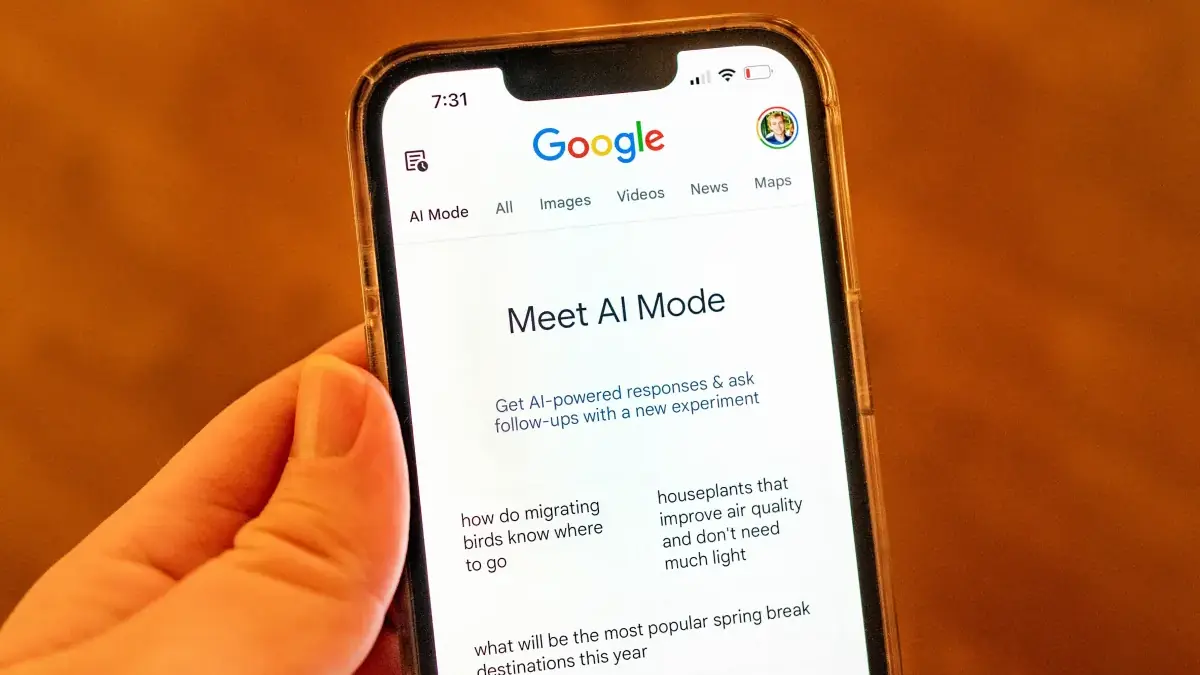
Update: This article was revised on August 18, 2026, to correct the product name, clarify U.S. desktop and mobile availability, add current usage details and limitations, improve sourcing and links, and replace the featured image. An earlier version incorrectly referred to Google’s feature as Del Mar Canvas.
Google made Canvas in AI Mode available to everyone in the United States using English on March 4, 2026, expanding the workspace beyond its earlier Search Labs test. The feature sits inside Google Search’s AI Mode and gives users a persistent space for planning, writing, research, and lightweight coding projects.
According to Google’s launch announcement, users can move from a search or prompt into a side panel where they can develop a project, test an interactive tool, and refine the result through follow-up instructions.
What Canvas Does Inside AI Mode
Canvas turns an AI Mode conversation into a workspace that can evolve over multiple sessions. Instead of receiving a single response and copying it into another application, users can continue organizing and revising the material inside Search.
Google’s current Canvas help documentation says users can create, save, edit, and share projects. Canvas also supports auto-saving, undo and redo controls, follow-up questions, and the ability to resume an earlier project through AI Mode history.
The workspace can incorporate information discovered through Search while keeping the developing project visible in a separate panel. Google says its interactive prototypes can draw on information from the web and the Knowledge Graph, although users should still check important facts and sources independently.
How to Access Canvas in Google Search
To start a Canvas project:
- Open AI Mode at google.com/ai, or select AI Mode from Google Search.
- Open the tool menu beside the prompt field.
- Select Canvas.
- Describe the document, plan, quiz, or tool you want to create.
- Review the Canvas that appears in the side panel.
- Use follow-up prompts to revise, expand, or reorganize the result.
Users can also share an individual Canvas or the broader AI Mode conversation connected to it.
What Can Users Create?
Google presents Canvas as a general-purpose workspace rather than a tool for one specific task. Its documented uses include:
- Trip itineraries, party plans, and fitness schedules
- Cover letters and other writing projects
- Study guides and interactive quizzes
- Simple websites and custom interactive tools
- Project research and structured comparisons
For coding projects, Canvas can generate a working prototype, let the user test it, and display the underlying code. That can make early experimentation easier, but generated code should be reviewed before it is used in a public website, production system, or security-sensitive project.
Where Is Canvas Available?
Google’s current help page lists Canvas as available in English to users in the U.S. on desktop and mobile.
The official sources reviewed for this update do not confirm a general Canvas rollout in the United Kingdom, Canada, Europe, Australia, India, or China. Wider availability of AI Mode should not be treated as proof that every AI Mode tool is available in every supported country.
Google also offers a Canvas experience within the Gemini app. The names and some capabilities overlap, but this article covers the Canvas tool accessed through AI Mode in Google Search. Google’s official materials do not call the Search feature Del Mar Canvas.
Why Canvas Matters for Google Search
Canvas extends Search beyond retrieving information. It allows users to organize that information and turn it into a document, plan, or interactive prototype without immediately moving to another application.
The change fits Google’s broader effort to bring creation tools into Search, alongside developments such as AI image creation inside Google Search.
That does not make every Canvas output reliable or production-ready. Its practical value is the combination of information discovery, project organization, and iterative creation in one interface.
What Users Should Check
Google warns that AI-generated responses may contain mistakes. Users should verify factual claims, dates, prices, travel information, and source links before relying on a Canvas project.
Generated websites and tools also need testing for functionality, accessibility, privacy and security. Canvas can provide a useful starting point, but it does not replace editorial review, subject expertise, or software quality assurance.
